

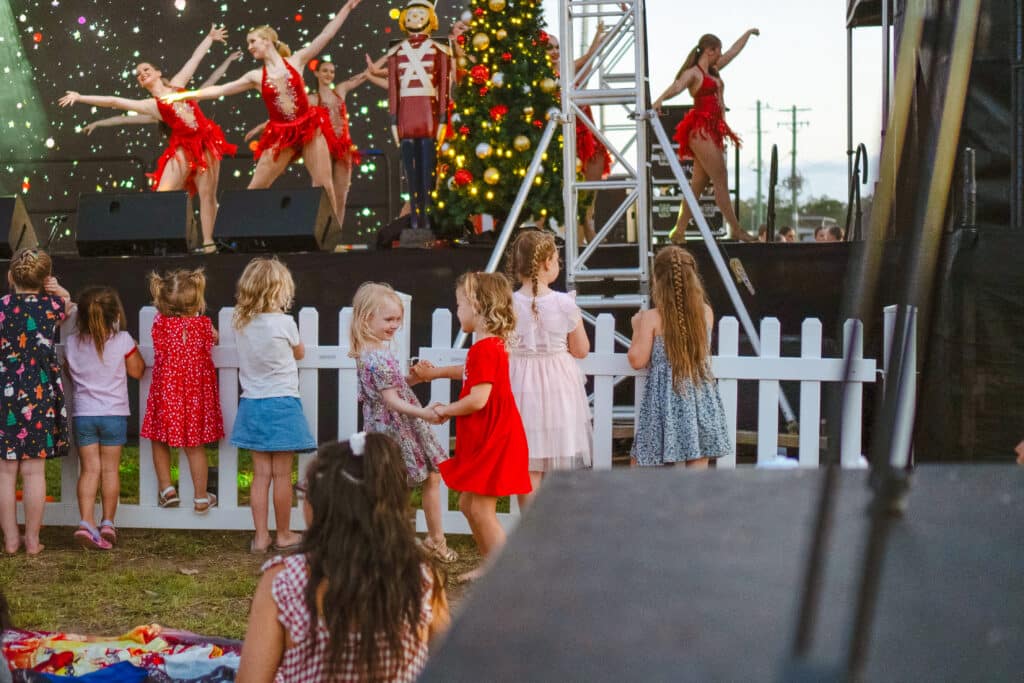
If you are planning a community-run Christmas event in the Bundaberg region this festive season, you can submit it to be listed on Council’s Christmas Events Calendar.
Follow these steps to create an account and submit your event:
- Head to Council’s website and create a MyCity account.
- Once signed in, follow the prompts to create a new event or edit an existing event.
- Under event categories select Christmas.
- Once submitted, Council will review your event.
- Should you ever need to update your event’s details, you can now log in via Council’s website and make changes whenever necessary.
View Christmas events and submit yours on Council’s website here.
More guides: